Discord Tools
Explore Discord tools from DannB Tools including user lookup utilities and profile information tools built for moderators, developers, and communities.
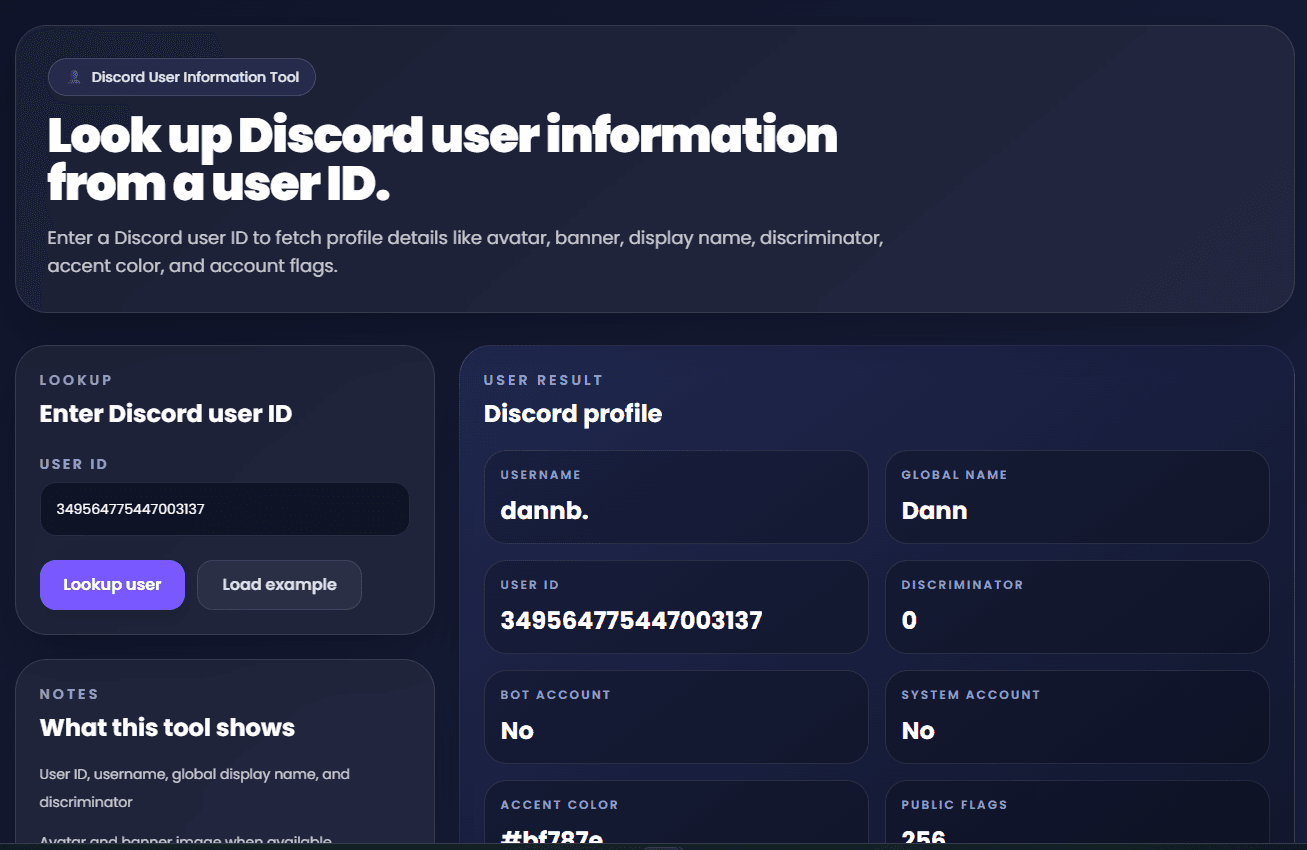
Discord User Information Tool
Look up Discord user profile details from a user ID, including avatar, banner, username, global display name, accent color, bot status, and other public profile information.
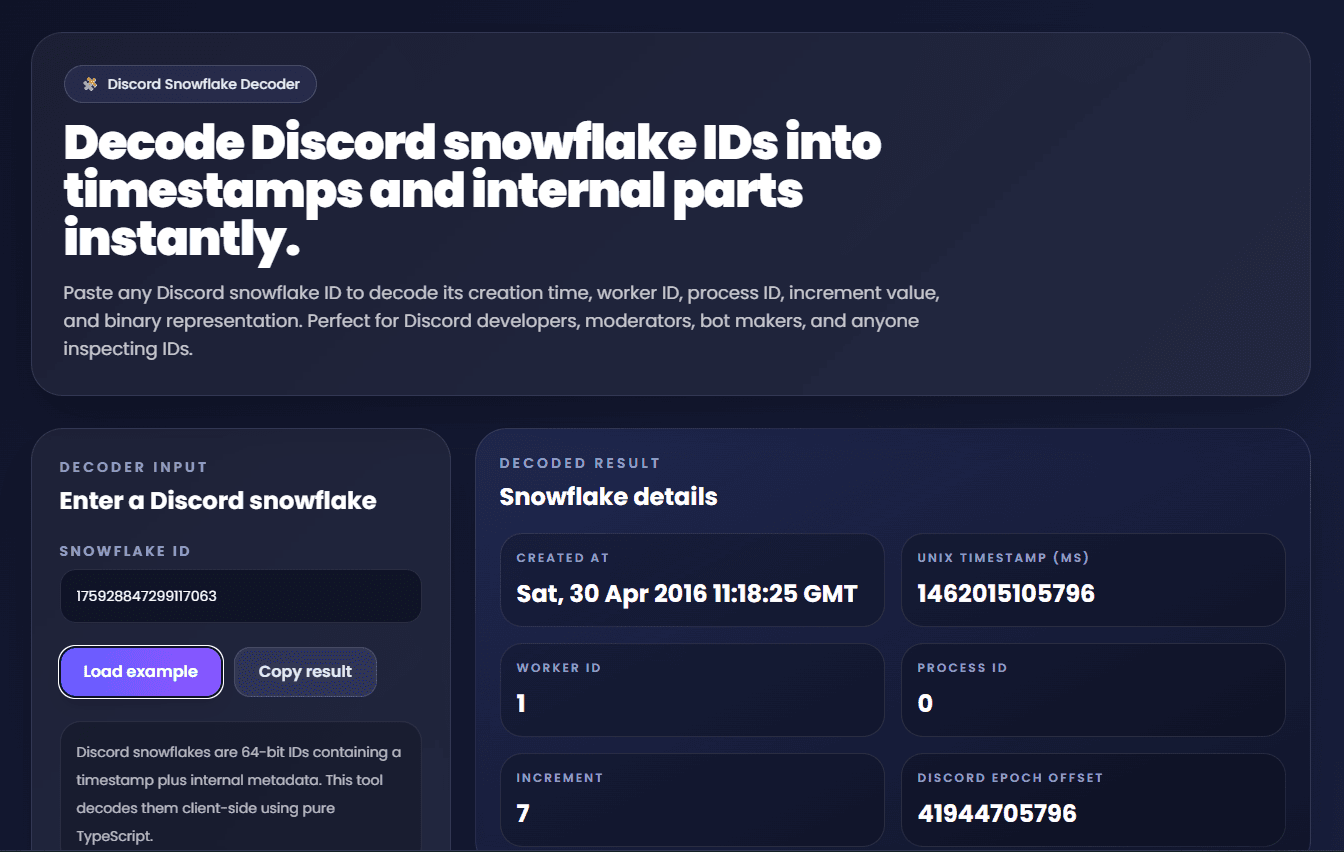
Discord Snowflake Decoder
Decode Discord snowflake IDs into creation timestamps, worker ID, process ID, increment values, and binary representation. Great for Discord developers, moderators, and bot makers.
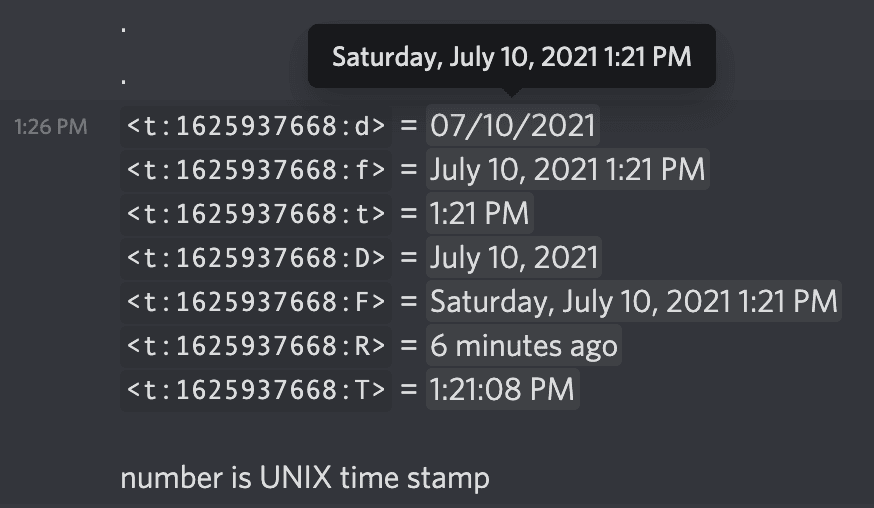
Discord Timestamp Generator
Generate Discord timestamp codes instantly, preview every Discord time format, and copy codes for messages, bots, embeds, events, reminders, and announcements.
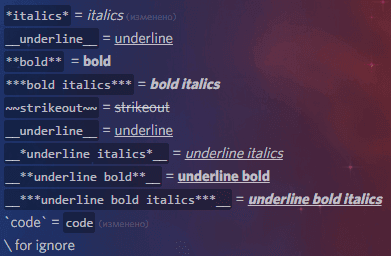
Discord Markdown / Formatting Generator
Generate Discord bold text, italics, spoilers, code blocks, quotes, masked links, and styled messages instantly for announcements, rules, giveaways, and server content.
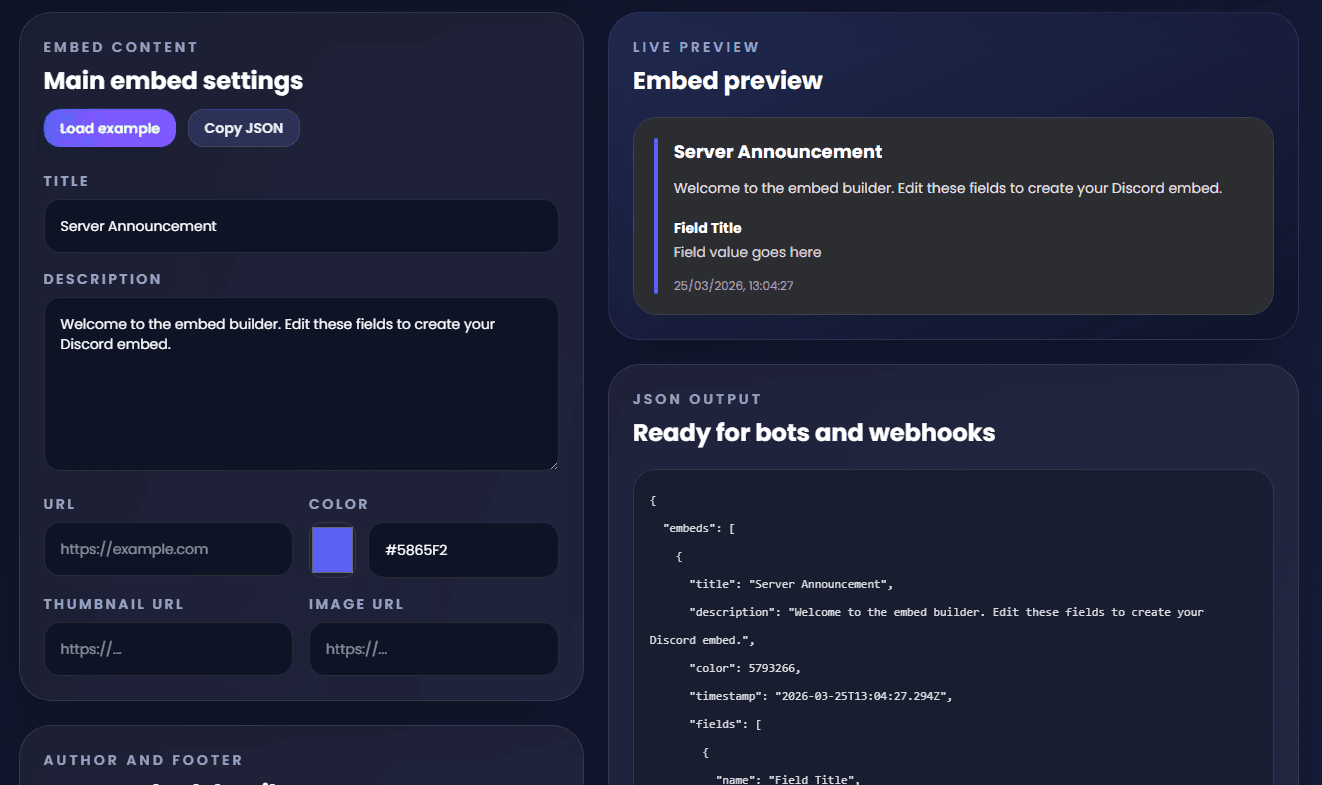
Discord Embed Builder
Create Discord embeds visually, preview titles, fields, images, colors, and footers live, then export clean embed JSON for bots, webhooks, announcements, changelogs, and support systems.
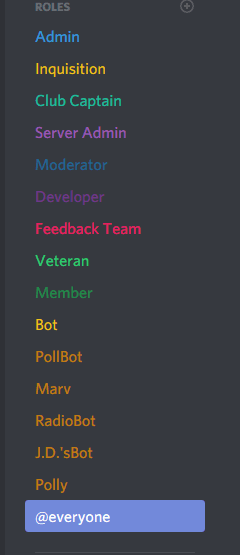
Discord Role Color Palette Generator
Generate matching Discord role color palettes for staff, rank, member, event, and themed server roles. Copy hex colors instantly for balanced, pastel, vibrant, dark, neon, or soft role setups.
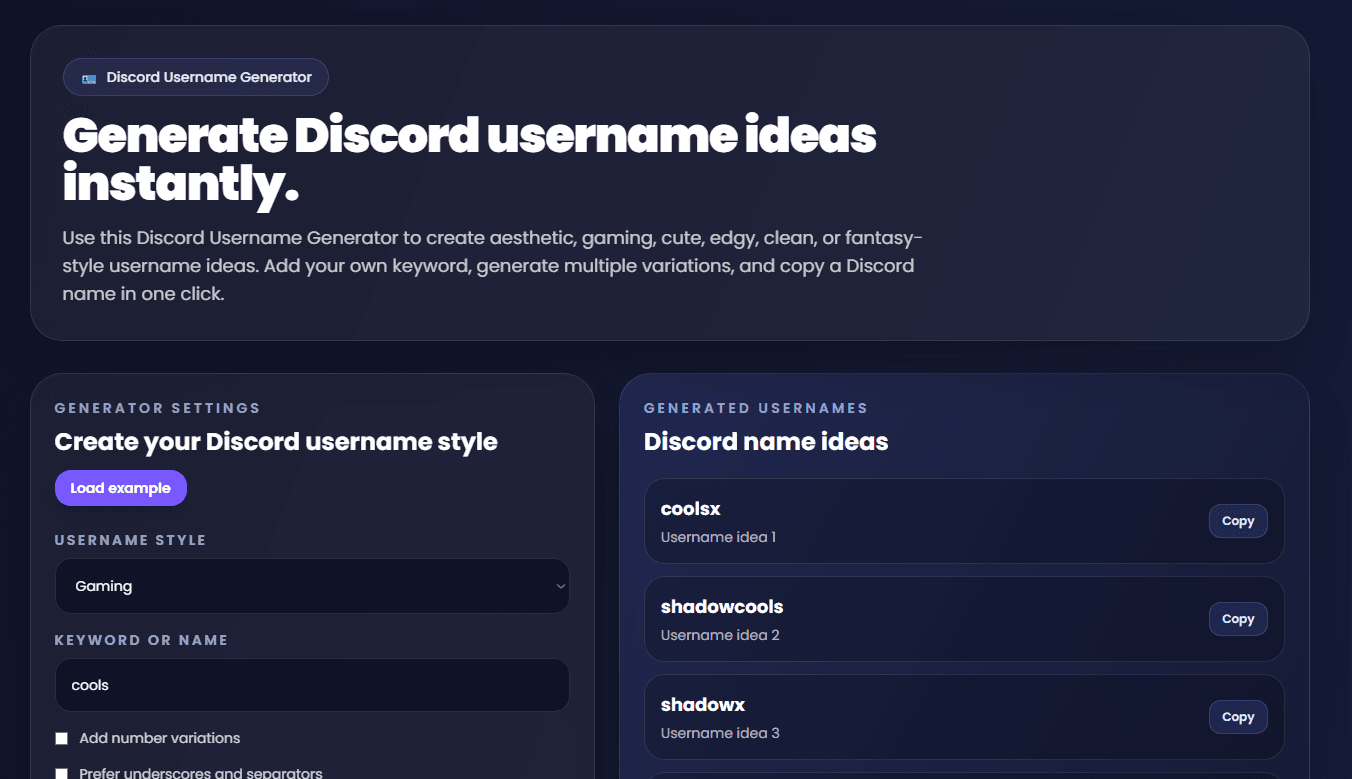
Discord Username Generator
Generate Discord username ideas in aesthetic, gaming, cute, edgy, clean, and fantasy styles. Add your own keyword, create name variations, and copy usernames instantly.
Why these discord tools are useful
Category hubs help visitors discover related tools quickly instead of treating every page as an isolated calculator. When tools are organised together, users can move naturally from one problem to another, such as XP planning to enchanting, or user lookup to moderation workflows.
That structure also makes the site more useful as a long-term reference resource. Rather than landing on one page and leaving immediately, visitors can continue solving related problems using pages designed around the same category and audience.
DannB Tools uses category pages like this one to group the most useful pages together, improve navigation, and make it easier for users to explore practical tools without unnecessary friction.